
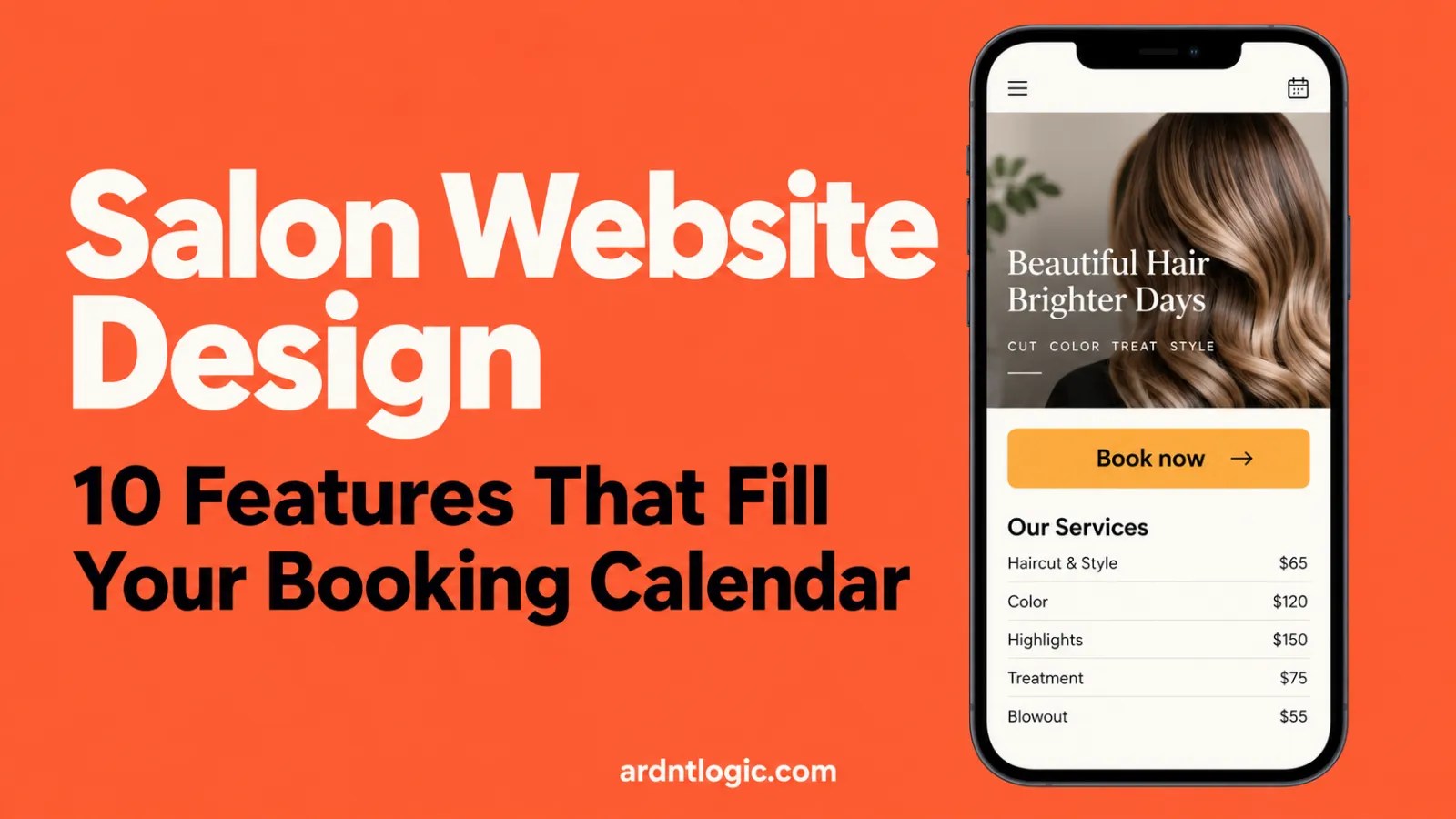
Salon Website Design: 10 Features That Fill Your Booking Calendar
The 10 salon website features that turn phone visitors into booked appointments, plus a quick checklist to test your own site today.

On this page
- What makes good salon website design?
- Which booking features fill your calendar fastest?
- 1. A Book Now button on every page
- 2. Online booking that shows real open times
- 3. Tap to call, text or WhatsApp
- What should a salon service menu and price list look like?
- 4. A full service menu with prices and times
- 5. Clear booking policies
- How do you show your work so new clients trust you?
- 6. A gallery of your real work
- 7. Stylist and team profiles
- 8. Real reviews near the Book button
- How does a salon get found on Google Maps and local search?
- 9. Google Maps, local details and a booking link
- Why does mobile speed matter so much for salon website design?
- 10. Fast, mobile-first design
- How much does salon website design cost?
- What are the most common salon website mistakes?
- What else do salon owners ask about website design?
Most people find a new salon on their phone, often late at night, and they book the first one that makes it easy. Good salon website design does one job: it turns that quick look into a booked appointment. Here are the 10 features that do it, in the order your clients notice them.
Quick answer
- Put a Book Now button at the top of every page and keep it visible on phones.
- Use online booking that shows real open times, not a "request an appointment" form.
- Show your full service menu with prices and how long each service takes.
- Prove your skill with a gallery, stylist profiles and real reviews.
- Add your booking link to your Google Business Profile so people can book from Maps.
- Make it fast and simple on a phone. That's where most of your clients are.
Want to see your salon's new homepage first? We'll design it for free in 48 hours. You only pay if you love it.
Get my free salon designChat on WhatsApp
See it before you pay. Fixed prices. You own 100% of your website. We reply in under 1 hour.
Who this is for: owners of hair salons, nail studios, barbershops, spas and beauty bars who want more bookings from their website, not just more likes on Instagram.
What makes good salon website design?
Good salon website design makes booking the easiest thing to do on every page. It shows your work, your prices and your open times so a new client can say yes in under a minute.
A pretty site is not enough. Your website is your front desk when you're closed. It has to answer the same questions your receptionist answers all day: What do you do? How much is it? When can I come in? Is this place good?
If your site answers those four questions fast, people book. If it makes them dig, they go back to Google and pick the next salon on the list.
From our studio: Online booking is almost always the first thing salon owners ask us for: a Book Now button that stays visible on phones and shows real open times. Once it's live, clients can book late at night without calling, so fewer appointments are lost to missed calls and unanswered messages.
| Feature | What it does for bookings | Quick check on your site |
|---|---|---|
| 1. Book Now button on every page | Gives ready clients a one-tap path | Can you see it without scrolling on a phone? |
| 2. Real-time online booking | Lets people book at 11 PM without calling | Can you pick a service, stylist and time in under a minute? |
| 3. Tap to call, text or WhatsApp | Catches people with a quick question | Does tapping the number start a call? |
| 4. Service menu with prices | Removes the "how much?" doubt | Are prices and times listed for every service? |
| 5. Clear policies | Cuts no-shows and awkward messages | Are deposit and cancellation rules easy to find? |
| 6. Gallery of your work | Shows your skill in seconds | Are photos recent and grouped by service? |
| 7. Stylist profiles | Helps clients pick the right person | Does each profile say what that stylist does best? |
| 8. Real reviews | Builds trust with first-time clients | Can visitors see reviews near the Book button? |
| 9. Google Maps and booking link | Turns local searches into bookings | Is your booking link on your Google Business Profile? |
| 10. Fast, mobile-first design | Stops people leaving before the page loads | Does it open fast on mobile data? |
Which booking features fill your calendar fastest?
A visible Book Now button, real-time online booking and one-tap contact fill a calendar fastest. Together they let a ready client book in seconds and give a curious client an easy way to ask first.
1. A Book Now button on every page
Your Book Now button should sit in the top corner of every page. On phones, keep it in a sticky bar at the bottom of the screen so it never scrolls away.
Use one clear label, like "Book now" or "Book an appointment." Don't hide it in a menu. Don't make people scroll past three big photos to find it.
2. Online booking that shows real open times
A "request an appointment" form is not online booking. The client still has to wait for you to call back, and many won't wait.
Real online booking lets them choose a service, a stylist and an open time, then get a confirmation right away. Most salon booking tools also send reminder texts or emails, which helps cut no-shows. You can link a tool you already use, or we can set one up inside your site with our online booking add-on.
3. Tap to call, text or WhatsApp
Some clients want to ask a question first. "Can you fix a bad box dye?" "Do you do kids' cuts?" Make your phone number tappable so it starts a call. Add a text or WhatsApp button if you reply that way.
Put your address, hours and contact buttons in the footer of every page too. People look there by habit.
Tip: Open your website on your own phone right now. Count the taps from the homepage to a confirmed booking. If it's more than four or five, there's room to improve.
What should a salon service menu and price list look like?
Your service menu should list every service with a price, or a "from" price, and how long it takes. Clear prices remove the biggest doubt new clients have, and they bring you better-fit bookings.
4. A full service menu with prices and times
Group services the way clients think: Cuts, Color, Treatments, Nails, Brows and Lashes. Under each one, list the name, a one-line description, the price and the time.
If a price depends on hair length or the stylist level, say so. "From $65" is fine. A menu with no prices at all makes people assume you're expensive, or it makes them message you and wait.
- Service name in plain words, not only salon jargon
- A one-line description of what's included
- Price or "from" price
- Time needed
- A Book button next to each service
5. Clear booking policies
Deposits, cancellations, late arrivals and patch tests cause the most awkward messages. Put your rules on one short policies page and link it from the booking step.
Keep the tone friendly. "We hold your time just for you, so we ask for 24 hours' notice to cancel" reads better than a list of fines.
How do you show your work so new clients trust you?
You build trust with three things: a gallery of real work, short profiles of your team, and honest reviews. New clients are asking "will I like how I look?", and these features answer that before they book.
6. A gallery of your real work
Your photos are your proof. Use real, recent photos of your own work, grouped by service. Balayage, bridal hair, nail art and men's cuts each deserve their own set.
Good light and a clean background matter more than an expensive camera. Your phone is fine. Add a link to your Instagram, but don't make Instagram your only gallery. Not everyone wants to leave your site to see your work.
7. Stylist and team profiles
Many clients book a person, not a salon. Give each team member a photo, their specialties and a Book with them button.
A line like "Maria loves lived-in blondes and curly cuts" helps the right client find the right chair. That means happier clients and more rebookings.
8. Real reviews near the Book button
Show a few short reviews from real clients, with first names. Put them close to your booking buttons, where people make the decision.
Never write fake reviews or copy them from other sites. Link to your Google reviews instead, so people can read them all.
Not sure how your salon site stacks up? Send us your current website or Instagram. We'll design a new homepage for your salon in 48 hours, free. Love it and we build it. Don't, and you owe us nothing.
Get my free salon designChat on WhatsApp
No card needed. Fixed prices from $150. We reply in under 1 hour.
How does a salon get found on Google Maps and local search?
A salon gets found locally by keeping its Google Business Profile complete and linking it to a website that names its city and services. Add your booking link to the profile, so people can book straight from Google Search and Maps.
9. Google Maps, local details and a booking link
When someone searches "hair salon near me," Google shows a map with local businesses first. Your Google Business Profile is what appears there, and your website backs it up.
Google lets you add links for booking appointments to your Business Profile, up to 10 per category. You can also set up bookings through a supported provider from the Bookings section of your profile. Google notes the provider may charge you for this, so check your booking tool's fees.
On your website, do the simple local basics:
- Put your city or neighborhood in your homepage heading, like "Hair Salon in Downtown Austin"
- Use the same name, address and phone number as your Google profile
- Embed a Google Map on your contact page
- Give your main services their own section or page
- Ask happy clients to leave a Google review after their visit
If you want help with this part, our local SEO and Google Business service covers profile setup, local pages and reviews. We never promise "#1 on Google." Nobody honest can.
Why does mobile speed matter so much for salon website design?
Most salon clients browse and book on a phone, often on mobile data. If your salon website design is slow or hard to tap, they leave before your booking page even loads.
10. Fast, mobile-first design
Mobile-first means we design for the phone screen first, then make it bigger for desktop. Buttons are large enough to tap. Text is big enough to read without zooming. Menus are short.
Speed comes from small things done right:
- Compress your photos before you upload them
- Avoid autoplay videos on the homepage
- Don't stack five different pop-ups and widgets
- Use a booking widget that loads quickly on phones
Watch out: A big slideshow at the top of your homepage looks nice on a laptop. On a phone, it often pushes your Book Now button out of sight and slows the page down. One strong photo usually works better.
How much does salon website design cost?
Salon website design costs anywhere from a monthly builder fee if you do it yourself to a large custom project with a traditional agency. At ArdntLogic, a salon site with a booking form starts at $400 and goes live in 5 days, and you see the homepage free before you pay.
Here's what our fixed prices include, straight from our pricing page:
- Basic, from $150 (3 days): up to 3 pages, mobile-first design, WhatsApp button and contact form, Google Maps and social links. Good for a small studio or a solo stylist.
- Business, from $400 (5 days): up to 8 pages, custom design, a booking or quote form, speed and SEO setup, and Google Analytics. This is the plan most salons pick.
- Online booking system add-on, from $99: real-time booking inside your site.
- Store, from $700 (10 days): if you also sell hair care or beauty products online.
You own 100% of the site, including the domain and hosting in your name. If you'd like us to handle updates, backups and security after launch, our care plan starts at $39/month. It's optional.
Building it yourself on a website builder can work if you have the time. Just be honest about the hours it takes to get the booking, photos and mobile layout right. Plenty of salon owners would rather spend those hours behind the chair.
What are the most common salon website mistakes?
The most common mistakes are a hidden Book button, no prices, old photos and a site that's slow on phones. Each one adds a small doubt, and small doubts are why visitors leave without booking.
- Booking hidden in the menu. Fix: a Book Now button on every page and a sticky bar on mobile.
- "Call for prices." Fix: list prices or "from" prices.
- Instagram as the only gallery. Fix: a gallery on your site, grouped by service.
- Old hours and holiday closures. Fix: update your site and Google profile together.
- Stock photos of models. Fix: real photos of your space, team and work.
- No way to ask a quick question. Fix: tap-to-call plus text or WhatsApp.
If your site gets visits but few bookings, read our guide on why a website gets visitors but no enquiries. Most of the fixes apply to salons too.
Want ideas first? Browse our portfolio of 49 website designs and see our salon and spa websites. Tap "I want this" on any design and we'll start your free homepage from it.
What else do salon owners ask about website design?
Salon owners most often ask about Instagram, pages, booking software, timing and ownership. Here are short, straight answers to each.
Do I need a website if my salon is busy on Instagram?
Yes, if you want people to book without messaging you first. Instagram is great for showing your work, but a website gives you a booking page, a full price list and a stronger presence on Google Maps.
What pages should a salon website have?
Most salons need a homepage, services and prices, gallery, team, about and contact page with a map. Add a policies page and a gift cards or shop page if you sell them.
Can I keep my current booking software?
Usually, yes. Most salon booking tools give you a link or a widget that we can add to your Book Now buttons. If you don't have one yet, we can set up online booking inside your site from $99.
How long does it take to build a salon website?
With ArdntLogic, a Basic site goes live in 3 days and a Business site in 5 days. You see your homepage design within 48 hours, free, before you pay anything.
Will I own my salon website?
Yes. You own 100% of it, including the design, content, domain, hosting and all logins. If you ever leave, you take everything with you.
Ready for a salon website that books clients while you work? Tell us about your salon and we'll send your new homepage design in 48 hours. You only pay if you love it.
Get my free salon designChat on WhatsAppBook a free call
See it before you pay. Fixed prices. You own 100%. We reply in under 1 hour.
Part of the ArdntLogic team — we design fast, beautiful websites that turn visitors into customers.
See your new website before you pay a cent.
Tell us about your business and we’ll design your homepage for free in 48 hours. Love it? We build it. Don’t? You owe us nothing.




Leave a comment